Press "Enter" to skip to content

//> A L C A T R O N . N E T //> Posts

Clearing alarms on a new Juniper switch

I recently have been using a Juniper EX2200 switch, which is quite nice, 48port, POE and much cheaper than a Cisco equivalent like a 2960S. When you initially turn on the switch you will see some alarm lights which is a Red LED and a Amber LED. The Red LED basically means the management port at back of the switch isnt in use, and the Amber means the configuration isnt saved as part of the rescue if anything goes wrong. To switch off these lights simply perform these commands:

RED LED – set chassis alarm management-ethernet link-down ignore
AMBER LED – request system configuration rescue save
2 Comments

Cisco Live 2013 Melbourne

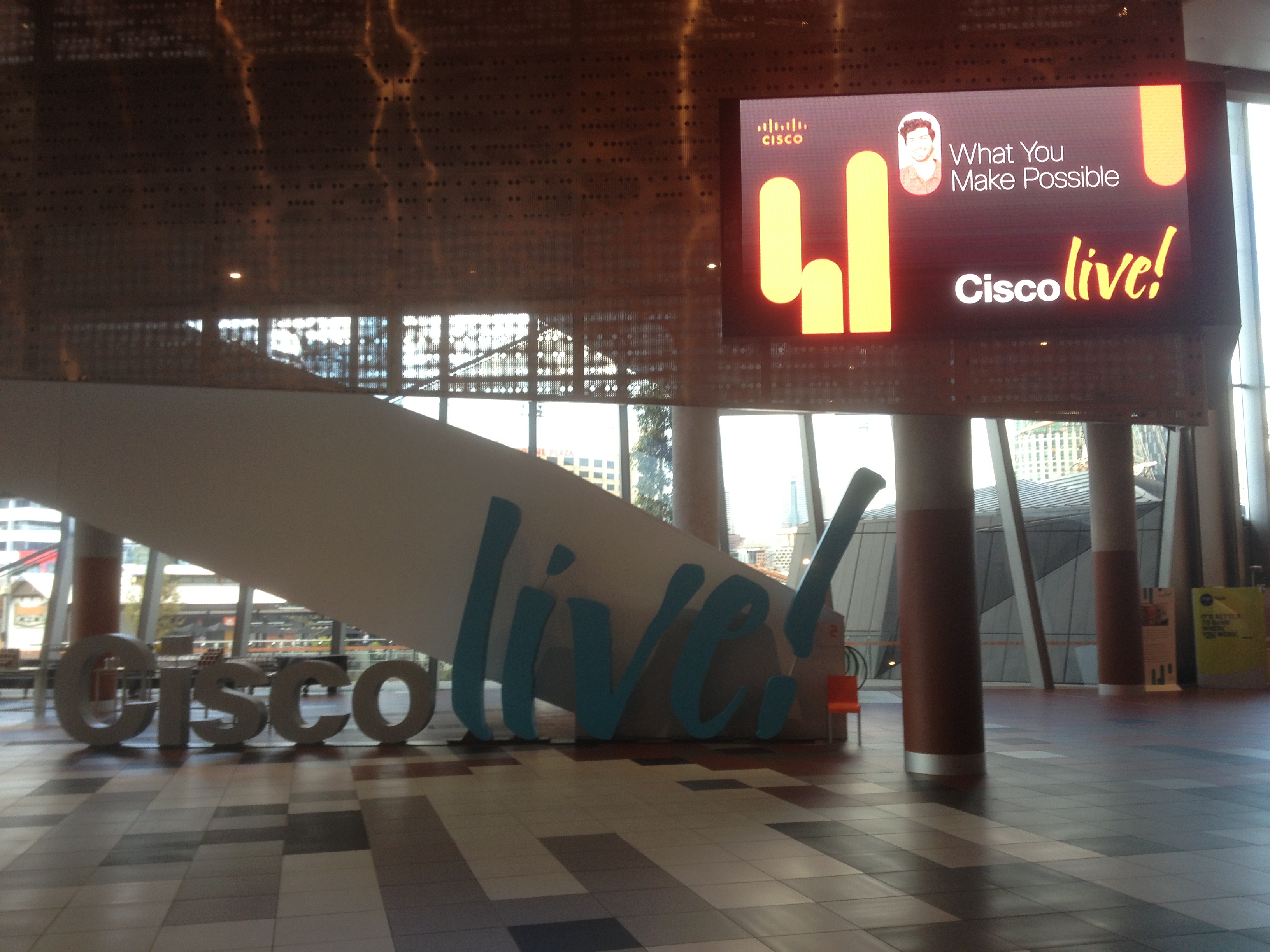
I had the great privilege of attending Cisco Live 2013 at Melbourne this year, and it was a great event. It had many breakout sessions of upcoming technologies and releases as well as technical sessions, labs, certifications etc and of course the Cisco Party 🙂 I have included some photos of the event which I have taken, and have also included on my website the content which was covered at the event.

Please see the menu above for access to the content or you can click here 🙂

IMG_5584

Leave a Comment

Show Configuration on Juniper simplistic view

On Juniper devices usually you issue  “show configuration” which displays the configuration file how the device is configured as per below:

root@alcatron-switch> show configuration
## Last commit: 2013-01-11 14:14:58 UTC by root
version 11.4R1.6;
system {
    host-name alcatron-switch;
    root-authentication {
        encrypted-password “$1$GJroMRrQ$.UkiU”; ## SECRET-DATA
    }
    services;
    syslog {
        user * {
            any emergency;
        }
        file messages {
            any notice;
            authorization info;
        }
        file interactive-commands {
            interactive-commands any;
        }
    }
}

This is completely different compared to the cisco equivalent, to make things easier in a simplistic view similar to cisco simply issue “show configuration | display set” and voila everything is set out much neater and easy to copy and paste.

root@alcatron-switch> show configuration | display set
set version 11.4R1.6
set system host-name alcatron-switch
set system root-authentication encrypted-password “$1$GJroMRrQ$.UkiU”
set system services
set system syslog user * any emergency
set system syslog file messages any notice
set system syslog file messages authorization info
set system syslog file interactive-commands interactive-commands any

Leave a Comment