Press "Enter" to skip to content

//> A L C A T R O N . N E T //> Posts

Cisco 3560X Switch

I managed to get my hands on the new 3560X model switch from Cisco. This is a new switch from cisco with the “X” branding. Ive noticed it operates much quieter than its previous counterpart, and has lots of new features such as, redundant power supplies, power sharing, 10GB uplink modules, replaceable fans, USB/Ethernet Console. In the the previous model you would get 4x1GB Uplinks, however in the X version you have to buy the module separately, and also you can buy the 10GB module which is awesome 🙂 The switch comes with a universal IOS, default is IP base, so if you want the advanced IP services you have to enter a license key, another new system from cisco. Buying the modules and license keys for versions = more money for them. For more info please see http://www.cisco.com/en/US/products/ps10744/

Ive decided to take a few pics of the switch below, it looks quite nice but a high price tag as you would expect from Cisco. Im still yet to try a 3750X hopefully soon 🙂

[ad#googleadd1]

Comments closed
Cisco VPN Client x64 now available!

Cisco has finally got their act together and released a x64 version of their VPN client to be used on Vista/Windows 7. About Time!…I just tested it and works well 🙂 The following is available:

vpnclient-winx64-msi-5.0.07.0290-k9.exe
Release Date: 13/Apr/2010
VPN Client Software for x86 64-bit version of Vista/Windows 7 – Microsoft Installer
Size: 4898.00 KB  (5015552 bytes)

And the x86 as well of course:

vpnclient-win-msi-5.0.07.0290-k9.exe
Release Date: 13/Apr/2010
VPN Client Software for x86 32-bit version of XP/Vista/Windows 7 – Microsoft Installer
Size: 7814.00 KB  (8001536 bytes)

They would probably kill me if I mirrored it on here, im sure you guys can grab a copy of it from somewhere 🙂

[ad#googleadd1]

Comments closed
Cisco Aironet Series 1140

Hey everyone, welcome to 2010 🙂

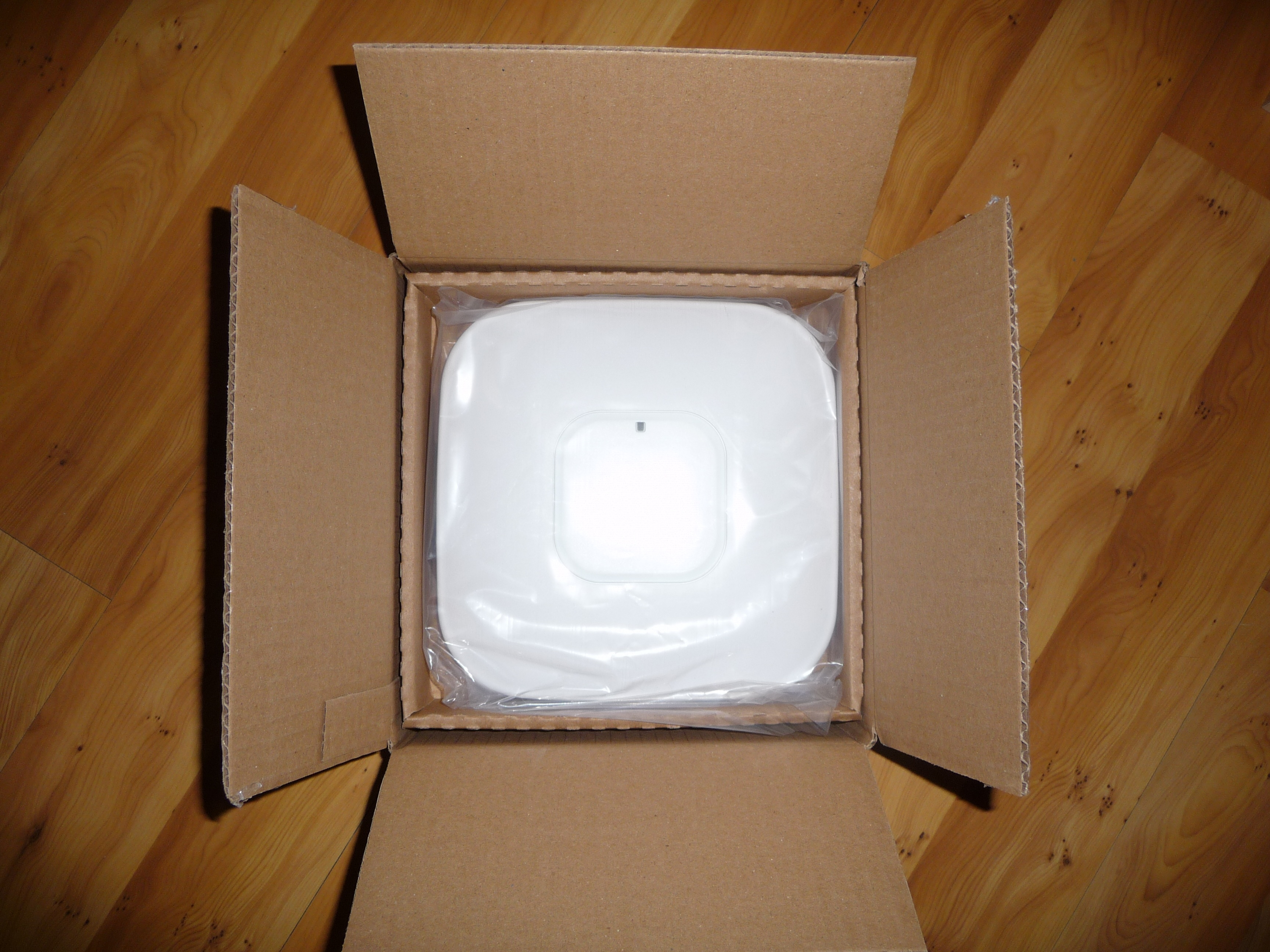
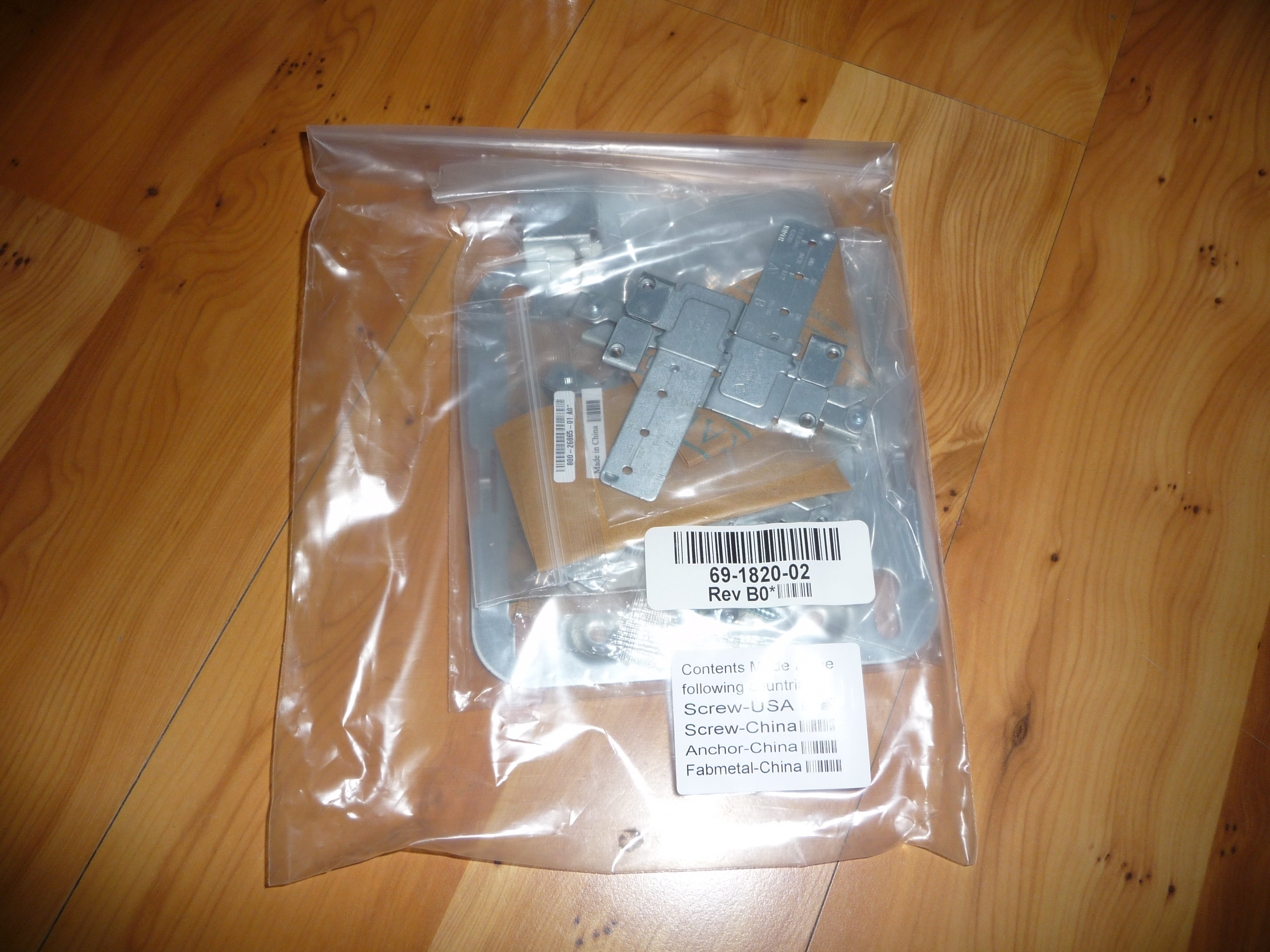
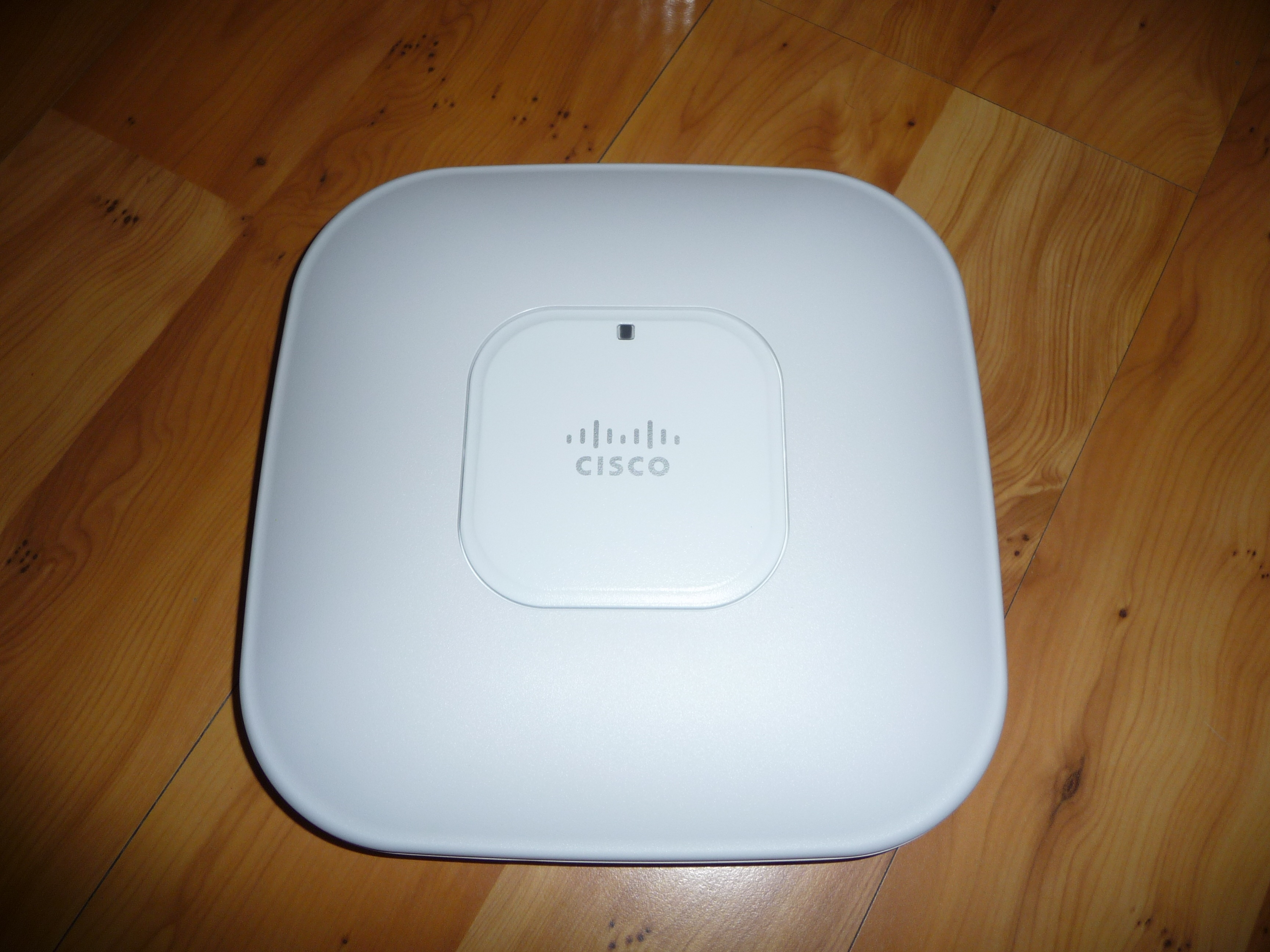
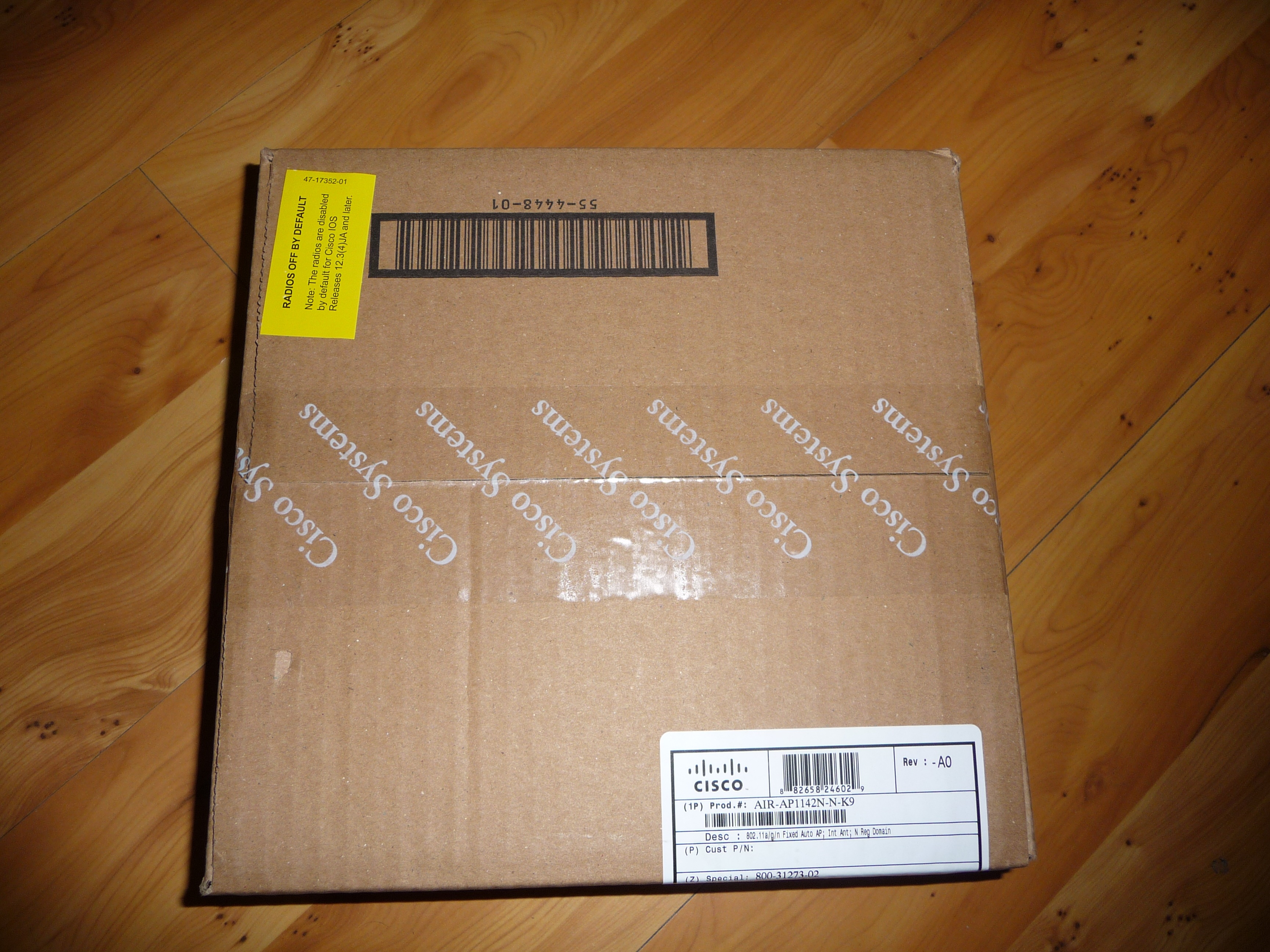
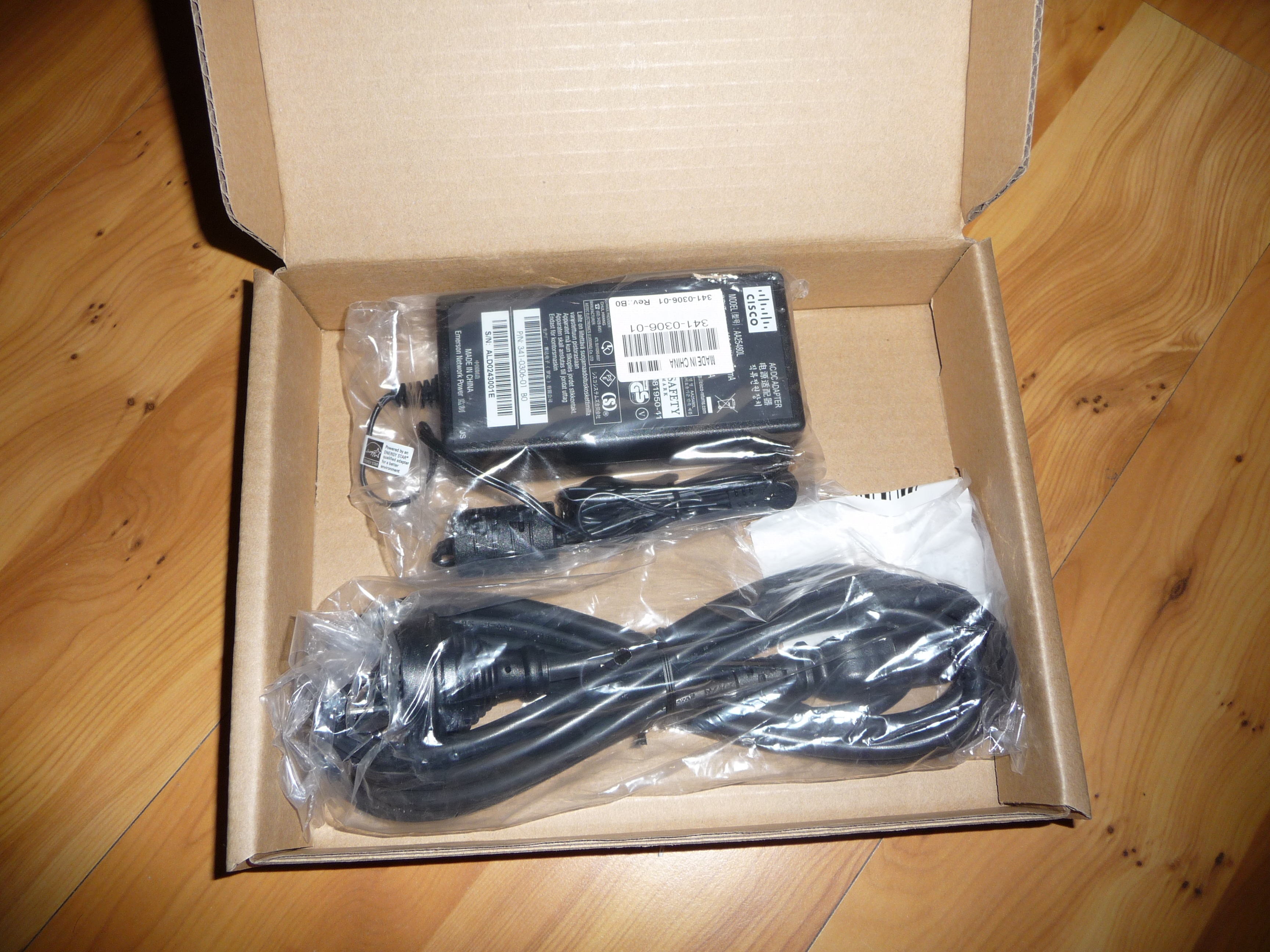
In the last week I managed to score myself a Cisco Aironet Series 1140 access point. Now it is standalone since its only going to be used for a single AP setup without any wireless controllers.

The model which I got is the – AIR-AP1142N-N-K9 and also I had to get with it a powersupply AIR-PWR-B=.

As taken from the cisco website..

“The Cisco® Aironet® 1140 Series Access Point is a business-ready, indoor access point designed for simple deployment and energy efficiency. The 1140 Series is a dual-band (a/g/n), 802.11n access point with integrated antennas. It can be ordered in a controller-based* (lightweight) or Standalone (autonomous) version. “

I must say im quite impressed by this AP, the performance and features make it really outstanding. The access point is “Made in the USA” so none of that made in china stuff..

A show version from the console:

Cisco IOS Software, C1140 Software (C1140-K9W7-M), Version 12.4(21a)JA1, RELEASE
SOFTWARE (fc1)
Technical Support: http://www.cisco.com/techsupport
Copyright (c) 1986-2009 by Cisco Systems, Inc.
Compiled Wed 16-Sep-09 18:09 by prod_rel_team

ROM: Bootstrap program is C1140 boot loader
BOOTLDR: C1140 Boot Loader (C1140-BOOT-M) Version 12.4(18a)JA, RELEASE SOFTWARE
(fc4)

cisco AIR-AP1142N-N-K9     (PowerPC405ex) processor (revision A0) with 98294K/32
768K bytes of memory.
Processor board ID FTX1350S0AG
PowerPC405ex CPU at 586Mhz, revision number 0x147E
Last reset from power-on
1 Gigabit Ethernet interface
2 802.11 Radio(s)

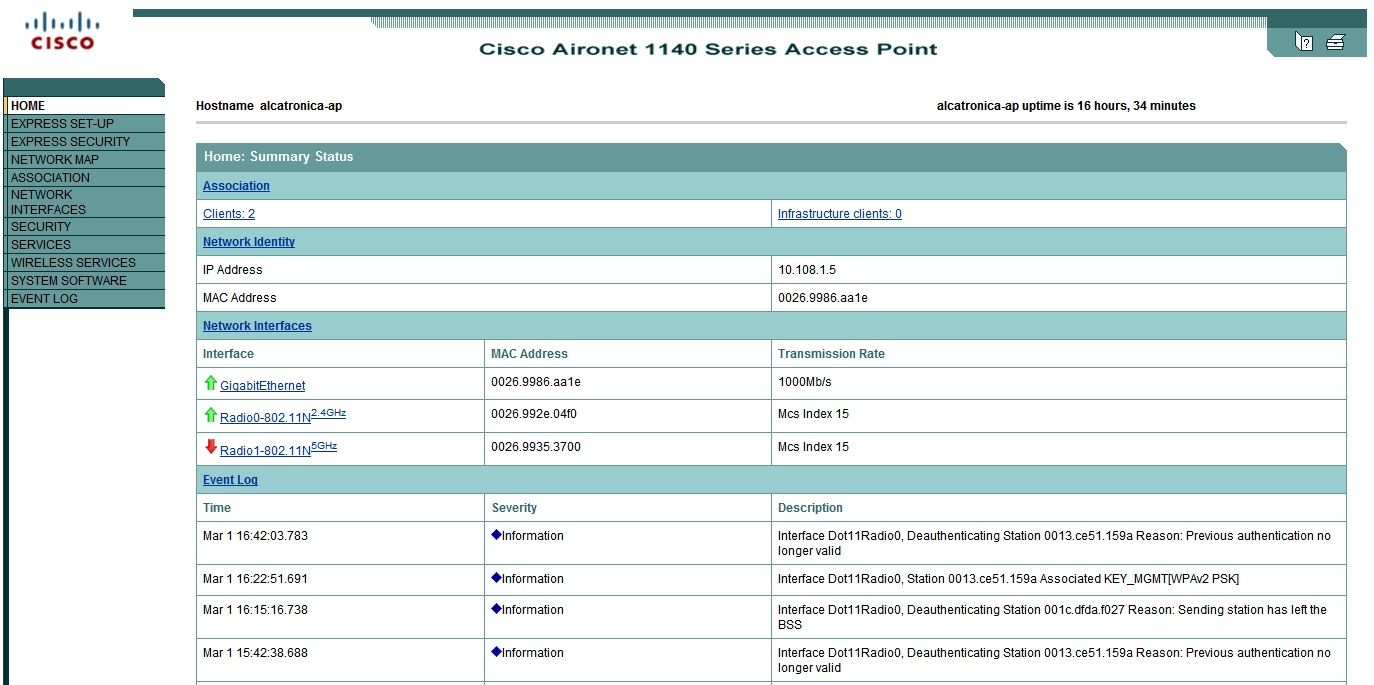
The access point is configurable by console and by a webpage interface. I must say the webpage interface is quite easy to use, and so is the AP.

I have taken some screenshots of the webpage interface below, and some shots of the AP. It gets a 10/10 from me, and of course the AP is nicely connected to that 2960G switch 🙂 (click on images to make them larger)

[ad#googleadd1]

6 Comments